
PayPal
Accept payments with PayPal.
- Checkout Orders, one-time payments only
- Subscriptions No
- Portal No
- Refunds No
Before you begin
A public HTTPS site, an active plan on /admin/plans, and access to the merchant dashboard.
Expected result — an order reconciled with a signed payment notification.
Set up PayPal
Create a sandbox app
Open PayPal. Create a REST app under Apps & Credentials → Sandbox.
Copy the app credentials
Open the app and copy its Client ID and secret.
Subscribe to order events
Add your HTTPS endpoint ending in /api/billing/webhook/paypal under Webhooks. Select CHECKOUT.ORDER.APPROVED, CHECKOUT.ORDER.COMPLETED and CHECKOUT.ORDER.VOIDED.
Copy the Webhook ID
Open the saved endpoint and copy its Webhook ID.
Provider documentation · REST app setup · webhook subscription
Configure the application
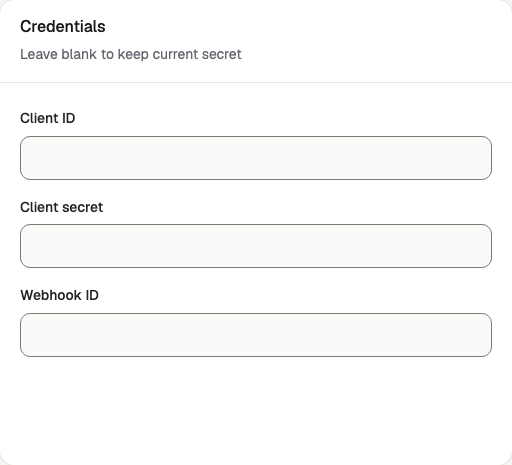
Open /admin/config/payment in the Kernlift admin console. Select PayPal. Enter your public Success URL and Cancel URL, then set API base URL to https://api-m.sandbox.paypal.com.
| Value from provider | Admin field |
|---|---|
| Client ID | Client ID |
| Secret | Client secret |
| Webhook ID | Webhook ID |
Enable the provider and click Save provider.
Webhook ID
Verify
- Buy a plan on
/pricingas a sandbox buyer. - Check the signed event on
/admin/billing-webhooks. - Find the same order on
/admin/ordersand confirm it is paid.
Go live
Create live credentials and register the production webhook in the live account. Save its verification value with the matching credentials and https://api-m.paypal.com.
Troubleshooting
Webhooks fail the signature check
Confirm the saved Webhook ID belongs to this REST app and environment. PayPal verifies events with that ID and the app credentials.