
Plausible
Connect your website to Plausible.
Before you begin
An account with access to the provider and permission to edit the settings below in Kernlift.
Expected result — the provider’s tag on a public page.
Set up Plausible
Add the site
Open Plausible. Add your website and copy the registered domain exactly.
Create the Stats API key
For reports, create a Stats API key in the team that owns the site.
Provider documentation · Stats API keys
Configure the application
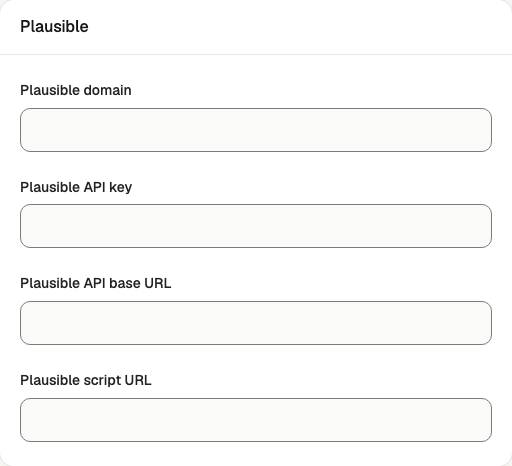
Open /admin/config/analytics in the Kernlift admin console.
| Value from provider | Admin field |
|---|---|
The site domain exactly as registered in Plausible, for example example.com. | Plausible domain |
| Plausible → Account settings → API keys (Stats API). | Plausible API key |
Prefilled with https://plausible.io and https://plausible.io/js/script.js. Change both only if you self-host Plausible or use a custom script. | Plausible API base URL, Plausible script URL |
Save the form.
Verify
- Open a public page in a private window with blockers disabled.
- Check for
data-domainon the page.
Troubleshooting
No script appears on the page
The identifier is empty, the page was not reloaded after saving, or an ad blocker removed it. Check the Runtime checks panel, then reload with extensions off.