
Crisp
Connect your website to Crisp.
Before you begin
An account with access to the provider and permission to edit the settings below in Kernlift.
Expected result — the provider’s tag on a public page.
Set up Crisp
Create the website
Open Crisp. Create a website in your workspace.
Find the Website ID
Open its setup instructions and copy the Website ID.
Provider documentation · Crisp Web SDK
Configure the application
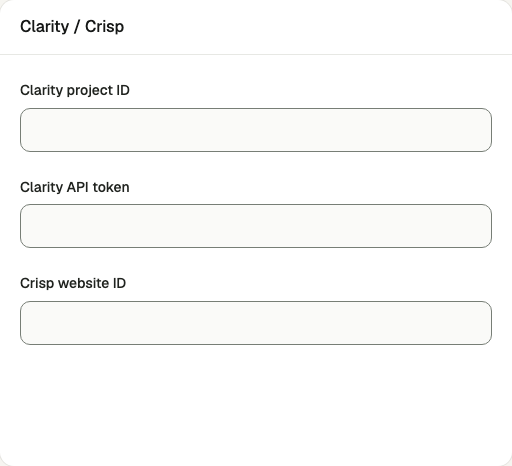
Open /admin/config/analytics in the Kernlift admin console.
| Value from provider | Admin field |
|---|---|
| Crisp → Settings → Website settings → Setup instructions. | Crisp website ID |
Save the form.
Verify
- Open a public page in a private window with blockers disabled.
- Check for
client.crisp.chat/l.json the page.
Troubleshooting
The Crisp widget shows "Invalid website"
The saved Crisp website ID does not match a website in your Crisp account. Copy it from Crisp and save again.