
Microsoft Clarity
Connect your website to Microsoft Clarity.
Before you begin
An account with access to the provider and permission to edit the settings below in Kernlift.
Expected result — the provider’s tag on a public page.
Set up Microsoft Clarity
Create the project
Open Microsoft Clarity. Create a project for the website and copy its project ID.
Enable report exports
For reports, generate a token under Settings → Data Export.
Provider documentation · Data Export API
Configure the application
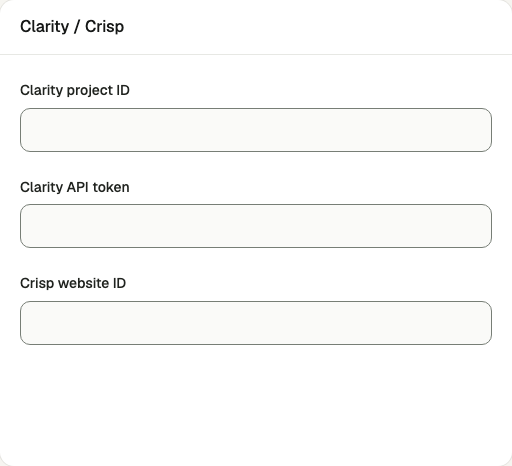
Open /admin/config/analytics in the Kernlift admin console.
| Value from provider | Admin field |
|---|---|
| Clarity → your project → Settings → Overview. | Clarity project ID |
| Clarity → your project → Settings → Data Export → generate an API token. | Clarity API token |
Save the form.
Verify
- Open a public page in a private window with blockers disabled.
- Check for
clarity.ms/tagon the page.
Troubleshooting
No script appears on the page
The identifier is empty, the page was not reloaded after saving, or an ad blocker removed it. Check the Runtime checks panel, then reload with extensions off.