
E2B
Connect the agent service to E2B.
Before you begin
An account with access to the provider and permission to edit the settings below in Kernlift.
Expected result — a service connection the agent can use for a task.
Set up E2B
Create the sandbox key
Open E2B. Create a sandbox API key.
Build the runner template
Build the runner from packages/sandbox-adapter/template/Dockerfile using pnpm --filter @workspace/sandbox-adapter build:runner-template. Record the template name.
Provider documentation · E2B templates
Configure the application
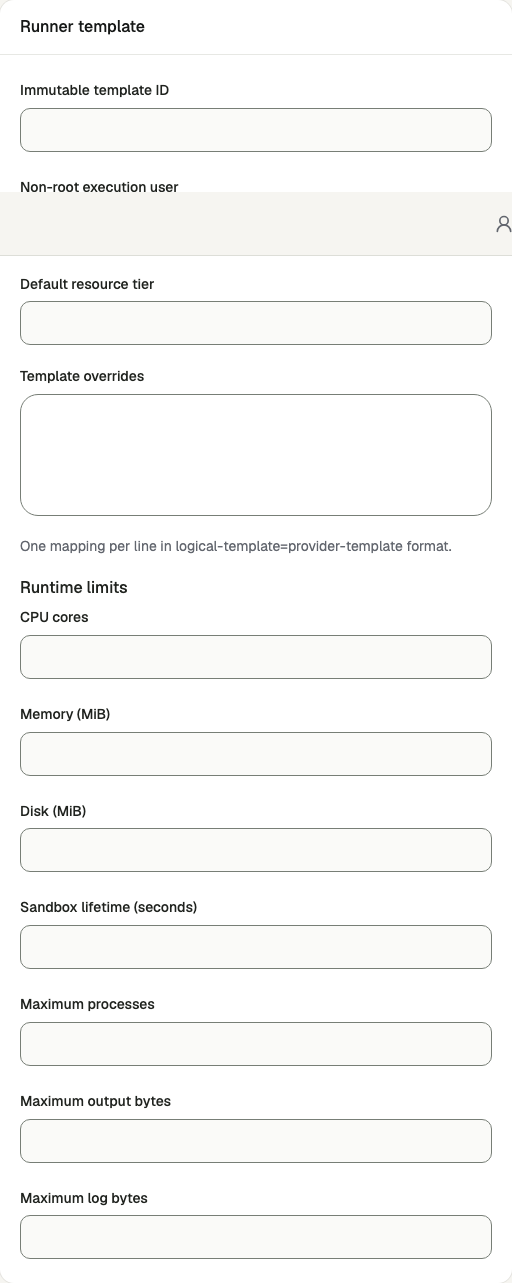
Open /admin/config/sandbox in the Kernlift admin console.
| Value from provider | Admin field |
|---|---|
| API key | Provider API key |
| Runner template | Immutable template ID |
Enable the service, enter the connection details and save.
Verify
- Verify sandbox readiness after saving.
- Run a task that uses the script tool and confirm execution produces an artifact.
Troubleshooting
A script tool refuses with the sandbox unconfigured
/admin/config/sandbox is disabled or its key is missing. There is no environment fallback, so
saving the key there is the only way to configure it.