
Alibaba Cloud Sandbox
Connect the agent service to Alibaba Cloud Sandbox.
Before you begin
An account with access to the provider and permission to edit the settings below in Kernlift.
Expected result — a service connection the agent can use for a task.
Set up Alibaba Cloud Sandbox
Provision the cloud sandbox
Open Alibaba Cloud Sandbox. Provision an E2B-compatible sandbox in your account.
Prepare the runner image
Obtain the regional API URL, key and a template ID for a runner-compatible image.
Configure the application
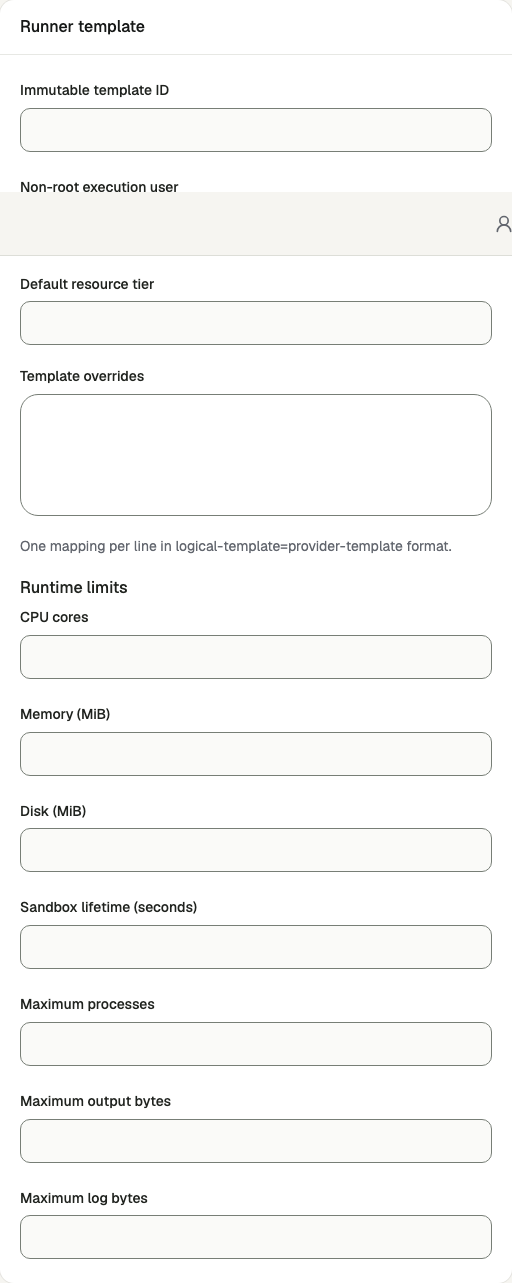
Open /admin/config/sandbox in the Kernlift admin console.
| Value from provider | Admin field |
|---|---|
| API key | Provider API key |
| Control plane | Control-plane API URL |
| Runner template | Immutable template ID |
Enable the service, enter the connection details and save.
Verify
- Verify sandbox readiness after saving.
- Run a task that uses the script tool and confirm execution produces an artifact.
Troubleshooting
A script tool refuses with the sandbox unconfigured
/admin/config/sandbox is disabled or its key is missing. There is no environment fallback, so
saving the key there is the only way to configure it.