
Cloudflare Workers AI
Route text generation to Cloudflare Workers AI.
Before you begin
An account with access to the provider and permission to edit the settings below in Kernlift.
Expected result — a text model you can route to chat.
Set up Cloudflare Workers AI
Choose a text model
Open Cloudflare Workers AI. Select a text model from the Workers AI catalog and copy its full ID.
Deploy the AI binding
Add the AI binding named ai to the Worker configuration and deploy it.
Provider documentation · model catalog · Workers AI bindings
Configure the application
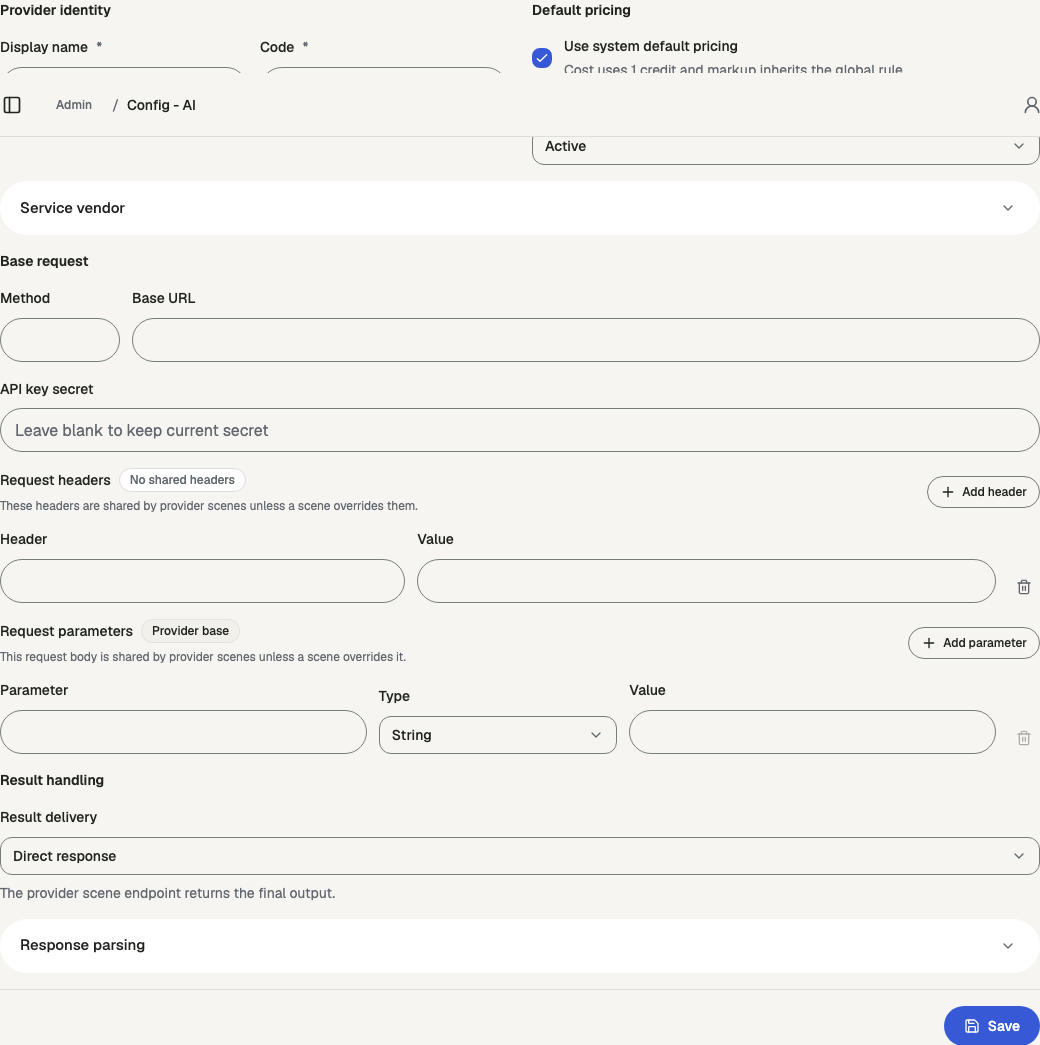
Open /admin/config/ai in the Kernlift admin console.
| Value from provider | Admin field |
|---|---|
| Model ID | Model ID |
Add a provider scene for text, select Edge inference, enter the model ID, configure its price, and save. Assign the ready model to the chat scene.
Verify
- Inspect Routing readiness for the model. Resolve any missing setting.
- Send a message through the assigned chat scene and confirm the model responds.
Troubleshooting
Edge inference is unavailable
The Workers AI binding only exists on Cloudflare Workers with the ai binding in wrangler.jsonc. Use the OpenAI or Gemini protocol in other runtimes. See Deploy to Cloudflare Workers.