
Discord
Send team notifications to Discord.
Before you begin
An account with access to the provider and permission to edit the settings below in Kernlift.
Expected result — a test notification in the selected channel.
Set up Discord
Open server integrations
Open Discord. Open the target server’s Settings → Integrations → Webhooks.
Create the channel webhook
Create a webhook for the target text channel and copy its URL.
Provider documentation · Discord Webhooks
Configure the application
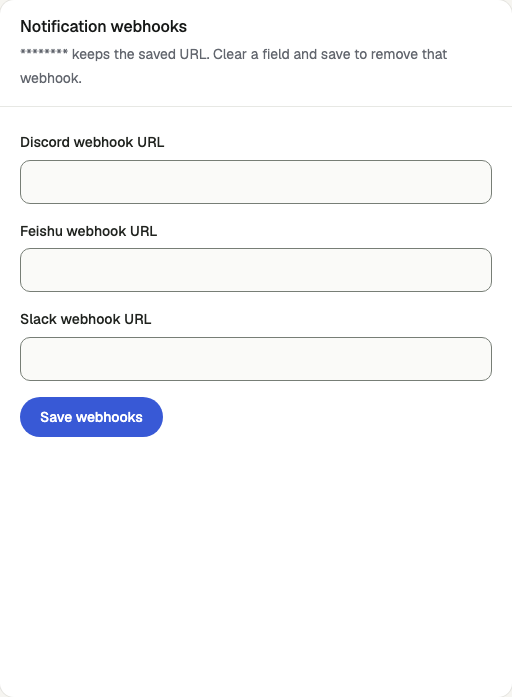
Open /admin/config/email in the Kernlift admin console.
| Value from provider | Admin field |
|---|---|
| Webhook URL | Discord webhook URL |
Save the provider card, preserving the active mail provider setting.
Verify
- On
/admin/notificationsselectdiscord-alertsand send a test notification. - Confirm the message in the channel and the
sententry in Deliveries.
Troubleshooting
Deliveries show not_configured
The channel's webhook URL is empty. Save it on Email Config and send another test.