
Beehiiv
Sync newsletter subscribers with Beehiiv.
Before you begin
An account with access to the provider and permission to edit the settings below in Kernlift.
Expected result — a test subscriber in your provider account.
Set up Beehiiv
Create the publication
Open Beehiiv. Create a publication and copy its publication ID.
Authorize subscriber sync
Create a key with subscriber read/write access to the publication.
Provider documentation · Create an API Key · Publication API
Configure the application
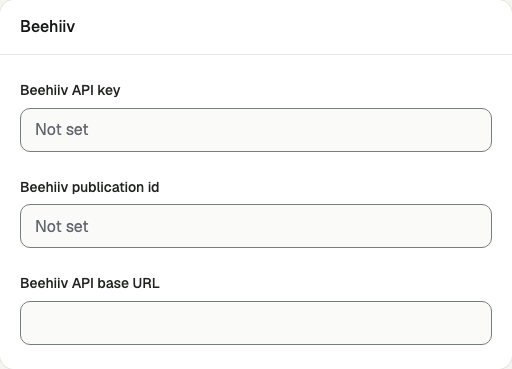
Open /admin/waitlist/settings in the Kernlift admin console.
| Value from provider | Admin field |
|---|---|
| API key | Beehiiv API key |
| Publication ID | Beehiiv publication id |
Select Beehiiv as the provider and save.
Verify
- Subscribe an address you control at
/newsletter. - Retry the sync in admin and verify the entry is marked
success. - Find the contact in Beehiiv.
Troubleshooting
Sync logs show failed
The provider rejected the request, and the log message contains its error. Correct the credentials on Provider settings, then run Retry provider sync.